TTLock locks
Have TTLock locks? Connect them to your bookings.
Guests book a slot and pay online, and a code for your lock is created on its own. It only works during the booked time, and when the guest cancels, it disappears from the door.
What you need
01A TTLock lock
The one you already have or a new one. We check the model is compatible before you order anything.
02A Wi-Fi gateway
It is how a code gets onto the door and how it is removed. Without a gateway the lock will not receive a new code.
03A TTLock account
The one your locks belong to. We connect it to Nexdoor once and the locks appear in the panel on their own.
How it works
Every booking gets its own code.
You do not type codes into the TTLock app. The code is created after payment, reaches the guest by email and works only during the booked time.
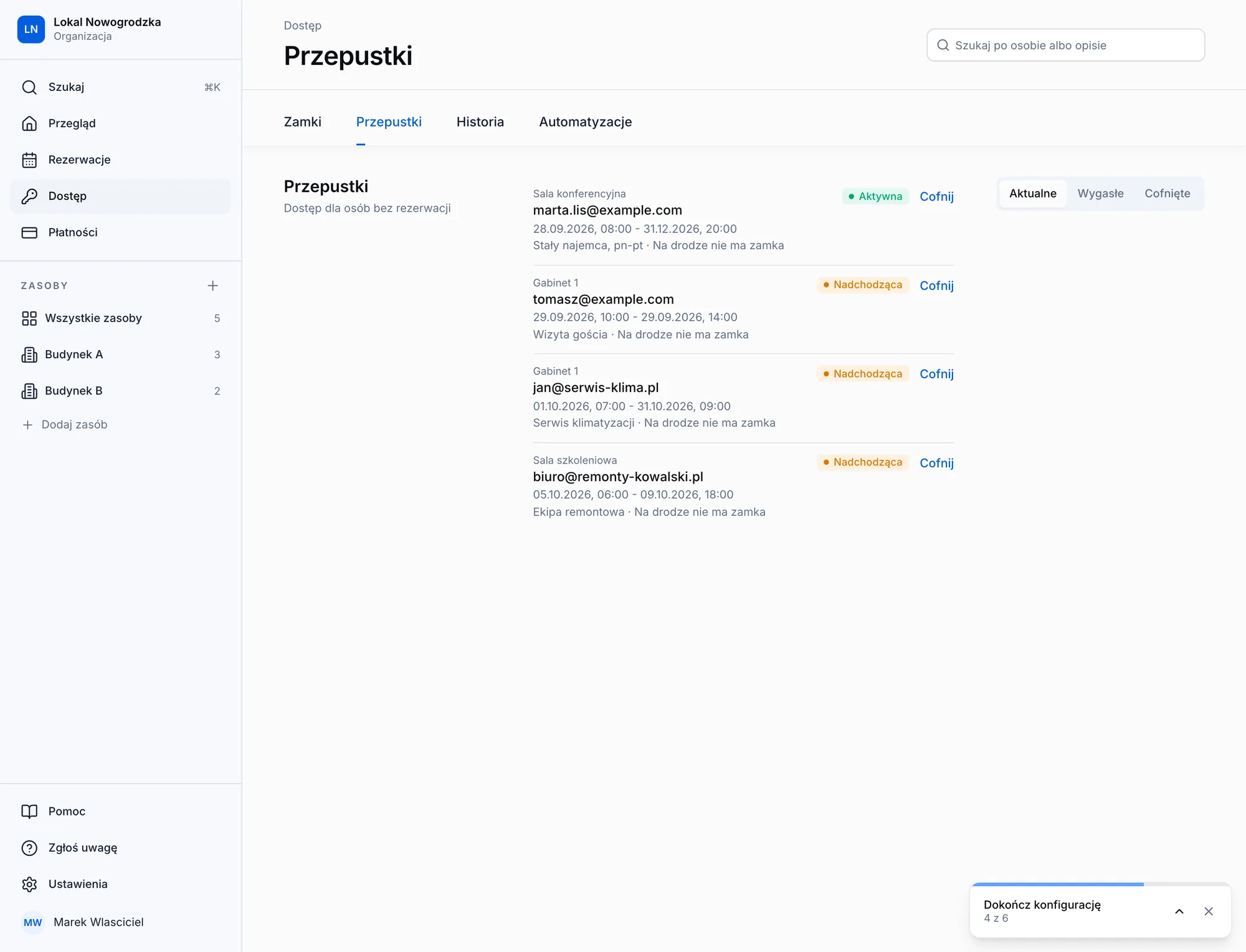
A code for every booking
Created after payment, expires on its own. Also for bookings from your own system, if we connect it.
One code for every door
The building entrance, the floor and the room open with the same code.
Cancelling removes the code
When a guest cancels, the code disappears from the door immediately.
Lock status in the panel
You see a low battery and a lock that does not respond. The panel warns you when a lock loses its gateway.
FAQ
Questions about TTLock locks.
Your question is not here? Write to us and we will check your lock model.
- Yes. The gateway is how a code gets onto the lock and how it is removed when a guest cancels. Without it a new code cannot reach the door.
- Tell us the models. We check compatibility, connect your TTLock account to Nexdoor and the locks appear in the panel on their own. Every lock has to be in range of a gateway.
- The panel marks the lock as having no gateway or not responding and warns you. Until the gateway is back, a new code cannot reach that door.
- Today, yes. Have other locks? Tell us the model.
Let's start with your place.
First a short call about what you rent out. Then we configure the system, connect your locks and run a pilot in one location.