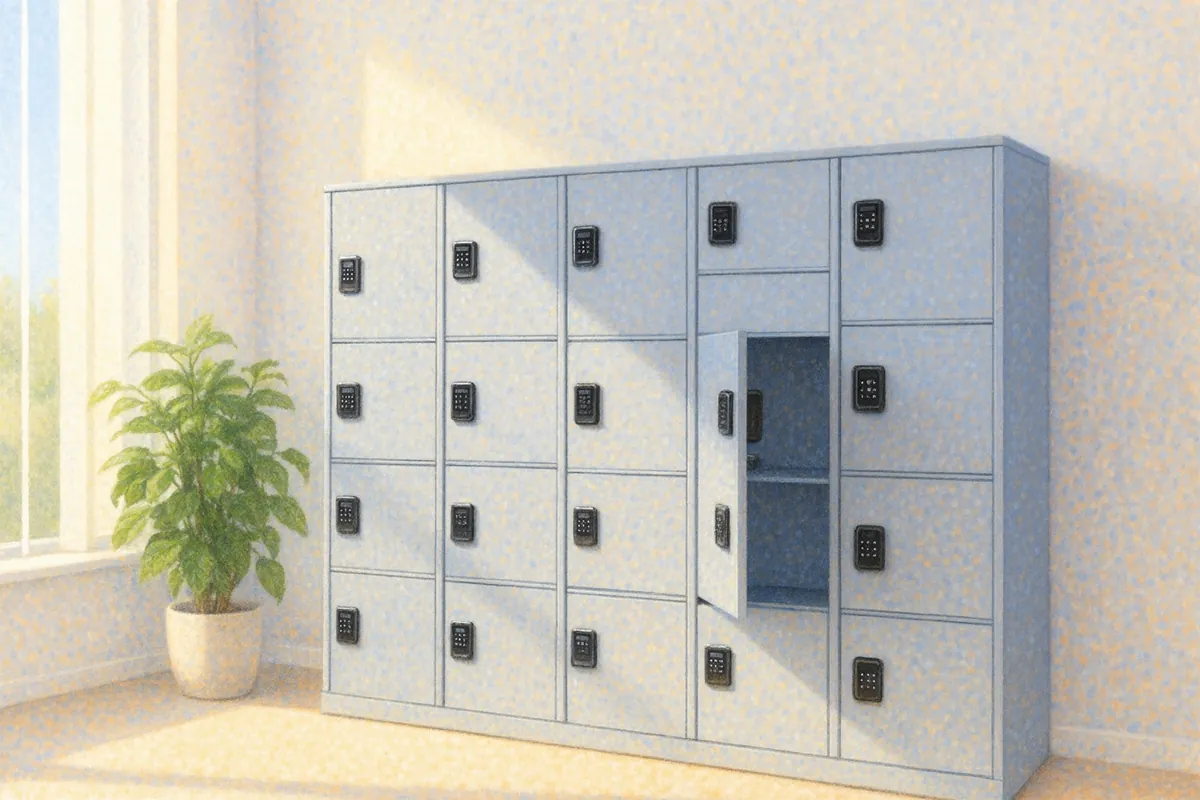
The lockers rent themselves. No keys, no one on duty.
The client picks a locker and a time, pays online and gets a code. The code opens only their locker and only during the paid time.
Sounds familiar?
Locker keys.
They get lost, stay in pockets, and then the lock has to be replaced.
With Nexdoor: instead of a key the client gets a code for their locker.
Someone has to hand out lockers.
A front desk or someone on duty just to give out a key and take it back.
With Nexdoor: the client picks a locker, pays online and gets the code.
Who opened it?
When something goes missing it is one person’s word against another’s.
With Nexdoor: the log shows who opened the locker and when.
How it works with lockers
Every locker has its own code.
Lockers have separate locks and separate prices. The code works only on the booked locker and stops after the paid time.
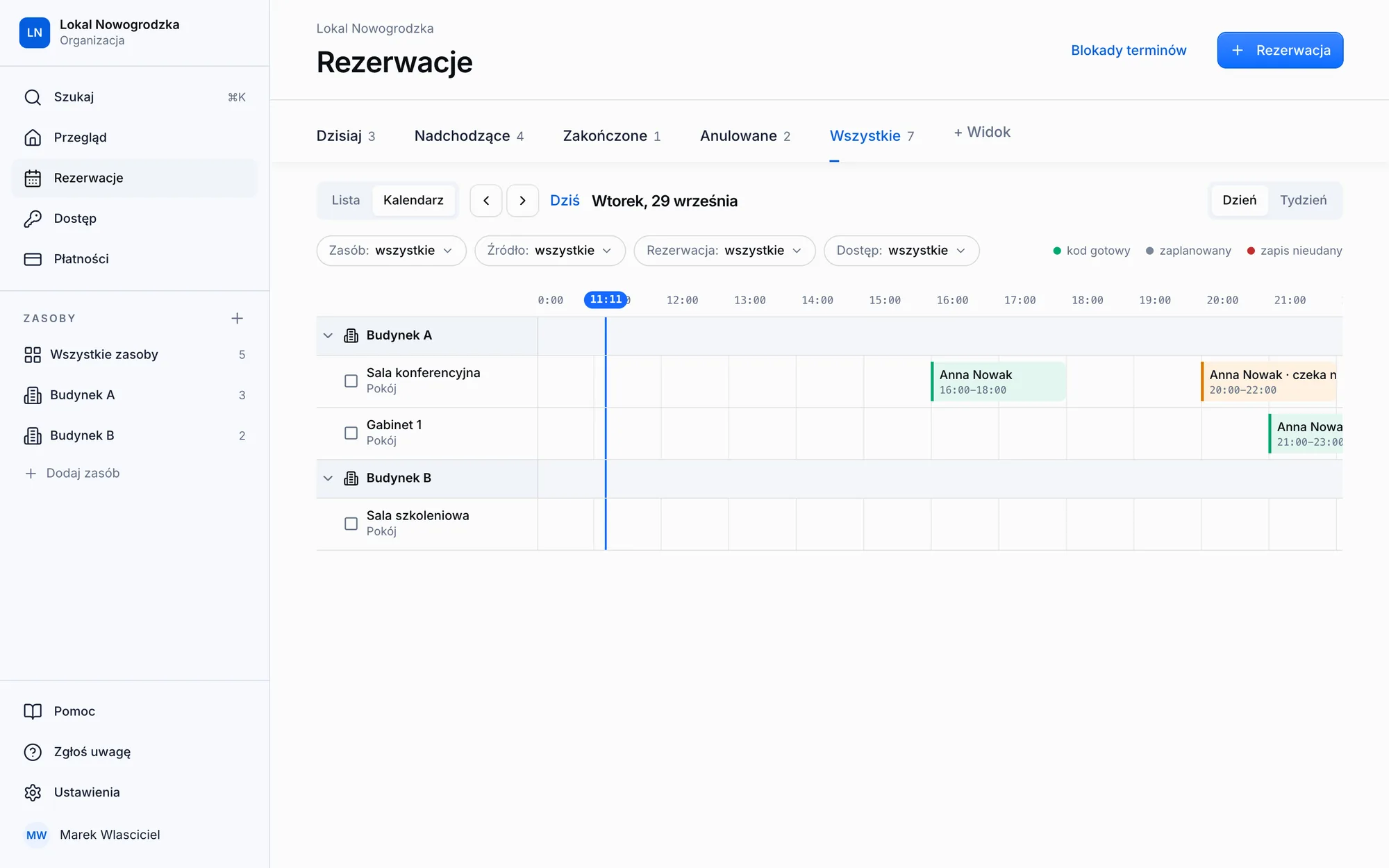
One-time code
Opens the locker once, for example to collect something left inside.
Monthly rental
A pass for any period for a regular locker tenant.
Opening log
Who opened the locker and when.
Locker zones
Lockers in zones, zones in buildings, all in one panel.
Setup
We set everything up for you.
We configure the system for your rooms, you install the locks, and we stay with you after launch. No technical knowledge needed.
01We get to know your place
We talk about what you rent out, to whom and on what terms, and decide where to start: one location and one kind of rental. You send us photos of your doors and we check which locks fit them.
02We configure the system
We enter your rooms, prices, opening hours and entry rules the way you work. Plus a booking page with the name of your place.
03You install the locks
You fit the locks on site and we connect them to the system. We confirm the model is compatible before you order anything.
04We run a pilot
Real bookings in one location. You see every payment and every entry in the panel before you decide about the rest.
FAQ
Questions we hear most often.
Your question is not here? Write to us and we will tell you how it would work for you.
- Yes. The code opens the lock assigned to the locker, so a locker without a lock has nothing to open. We check that TTLock locks fit your lockers before you buy anything.
- No. Nexdoor rents lockers for a period of time, it does not handle parcels. If you need a pickup point, write to us and we will see what can be done.


Let's start with your place.
First a short call about what you rent out. Then we configure the system, connect your locks and run a pilot in one location.